
Skincare, sold in pharmacies
Pariclair
Logo, identity, applications, animated signature and website
See the projectCase study · Our Mac application
CapturePlus is the Mac application we built to film our videos. Camera, screen, voice and computer sound are recorded at the same time, with the script scrolling in front of you.
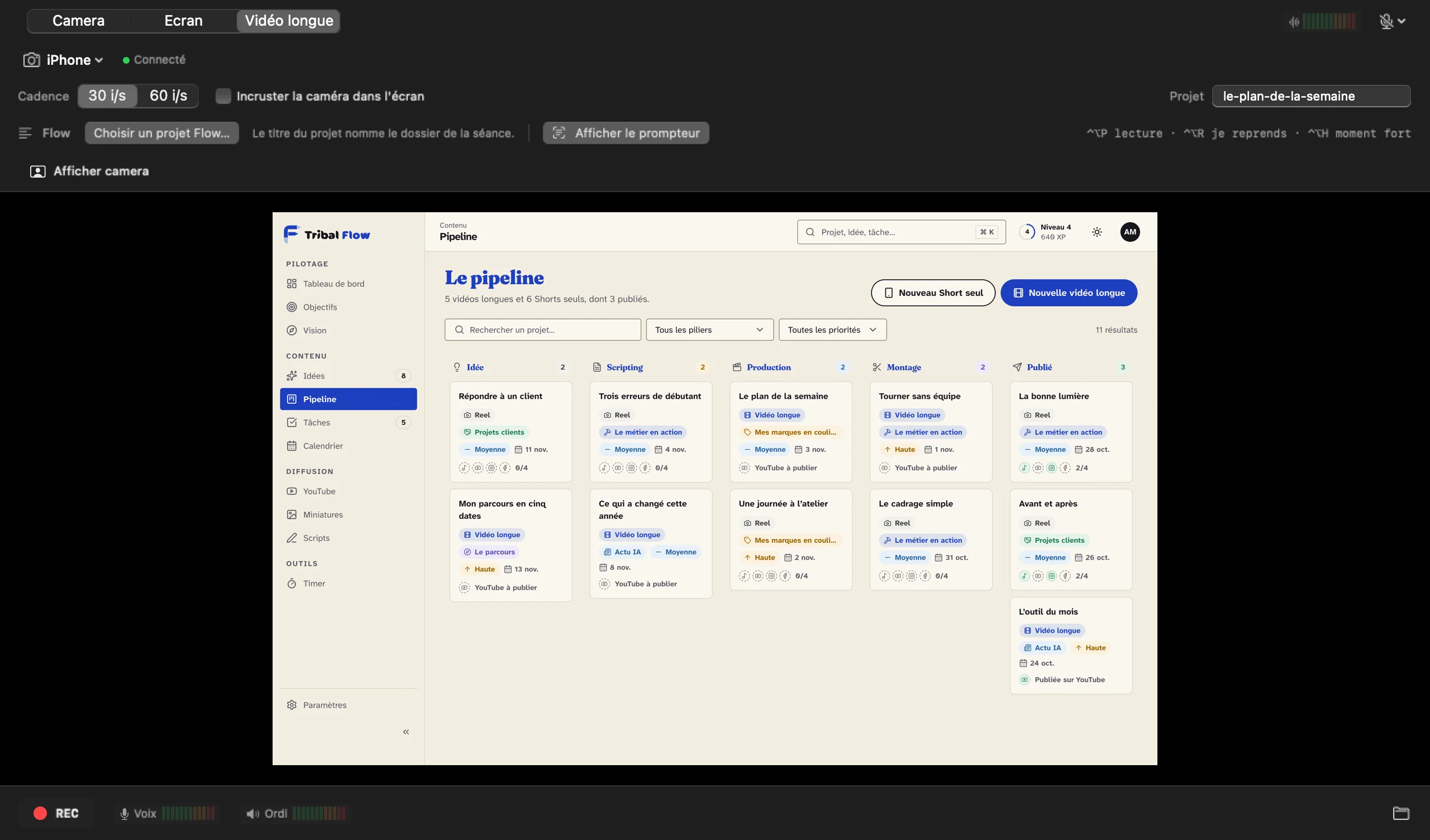
One take, neatly filed recordings, and an edit that is already prepared.
To film a long video alone: a tutorial, a demonstration or a presentation, with an iPhone as the camera.
01
Camera only, screen only, or both in long video mode: one click to choose. An iPhone can be the camera, wirelessly.
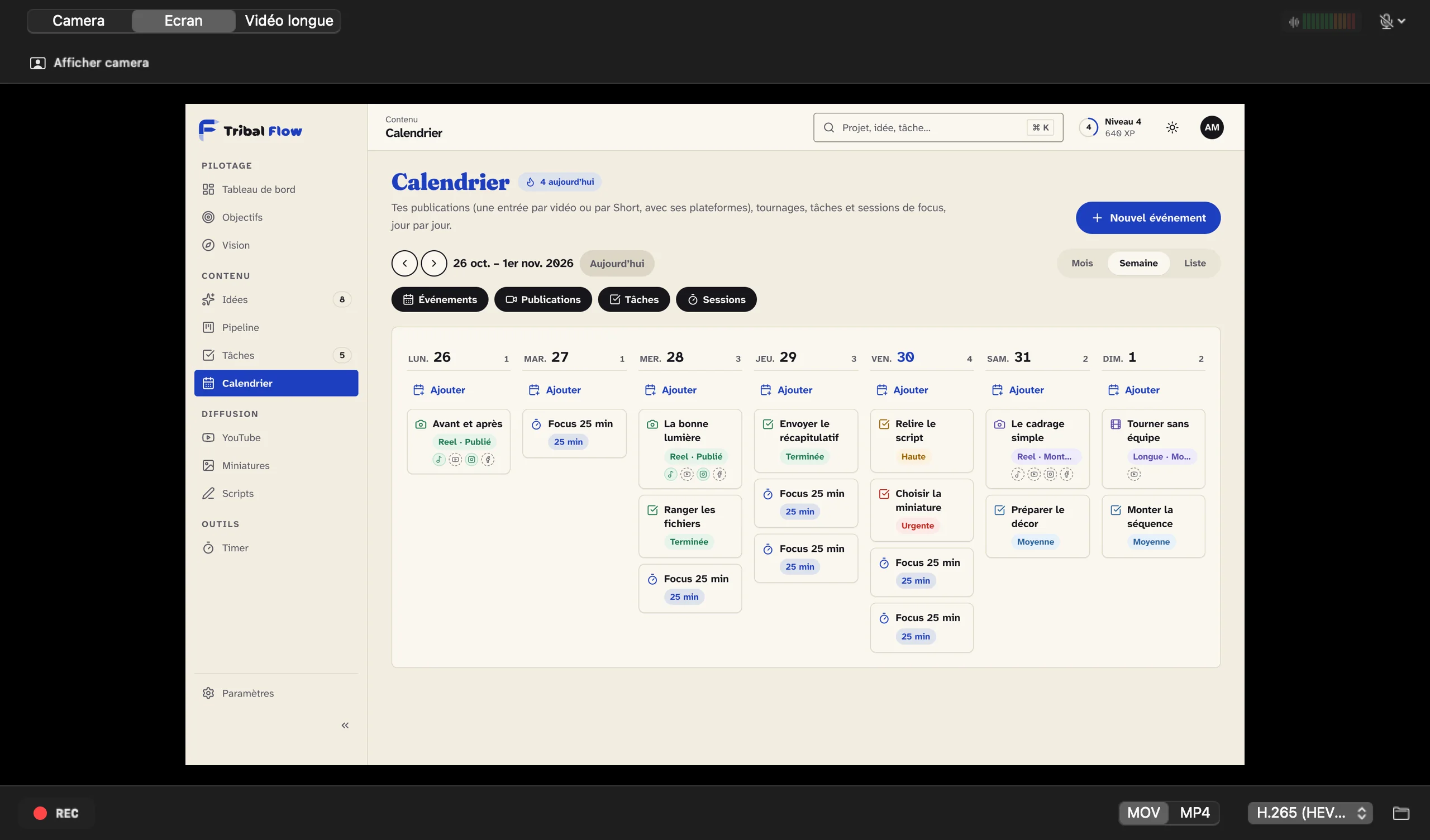
02
Camera, screen, voice and computer sound start at the same instant, each in its own file. In the edit, everything is already aligned.
03
The teleprompter appears on screen, at the speed you choose. It stays invisible in the video.
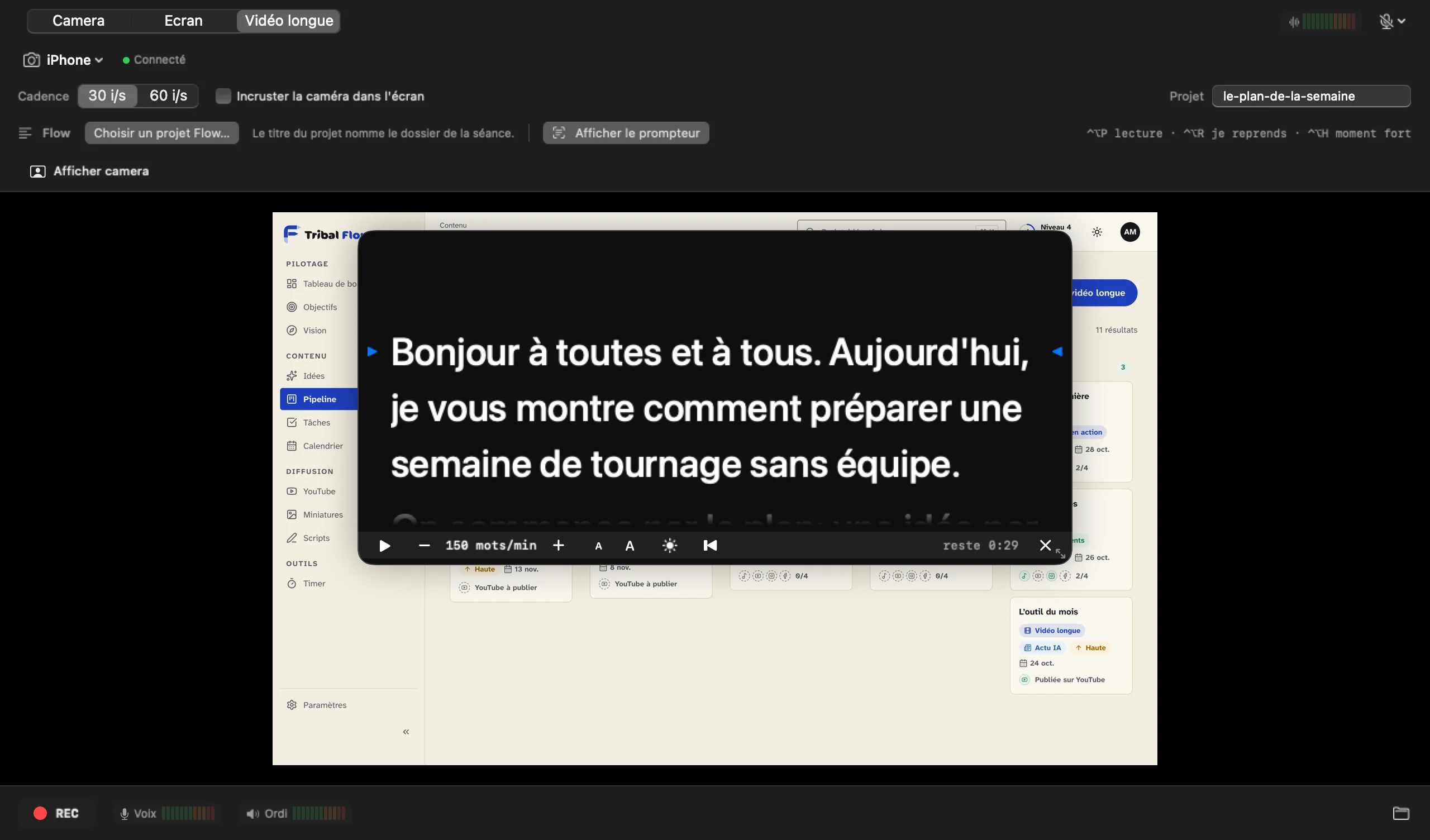
04
One shortcut is enough. When the take ends, the video reaches the edit with its markers already placed.
A missed sentence: the marker shows where to cut.
A passage to keep, a candidate for a short video.
Placed on its own, when the teleprompter reaches a new part.
05
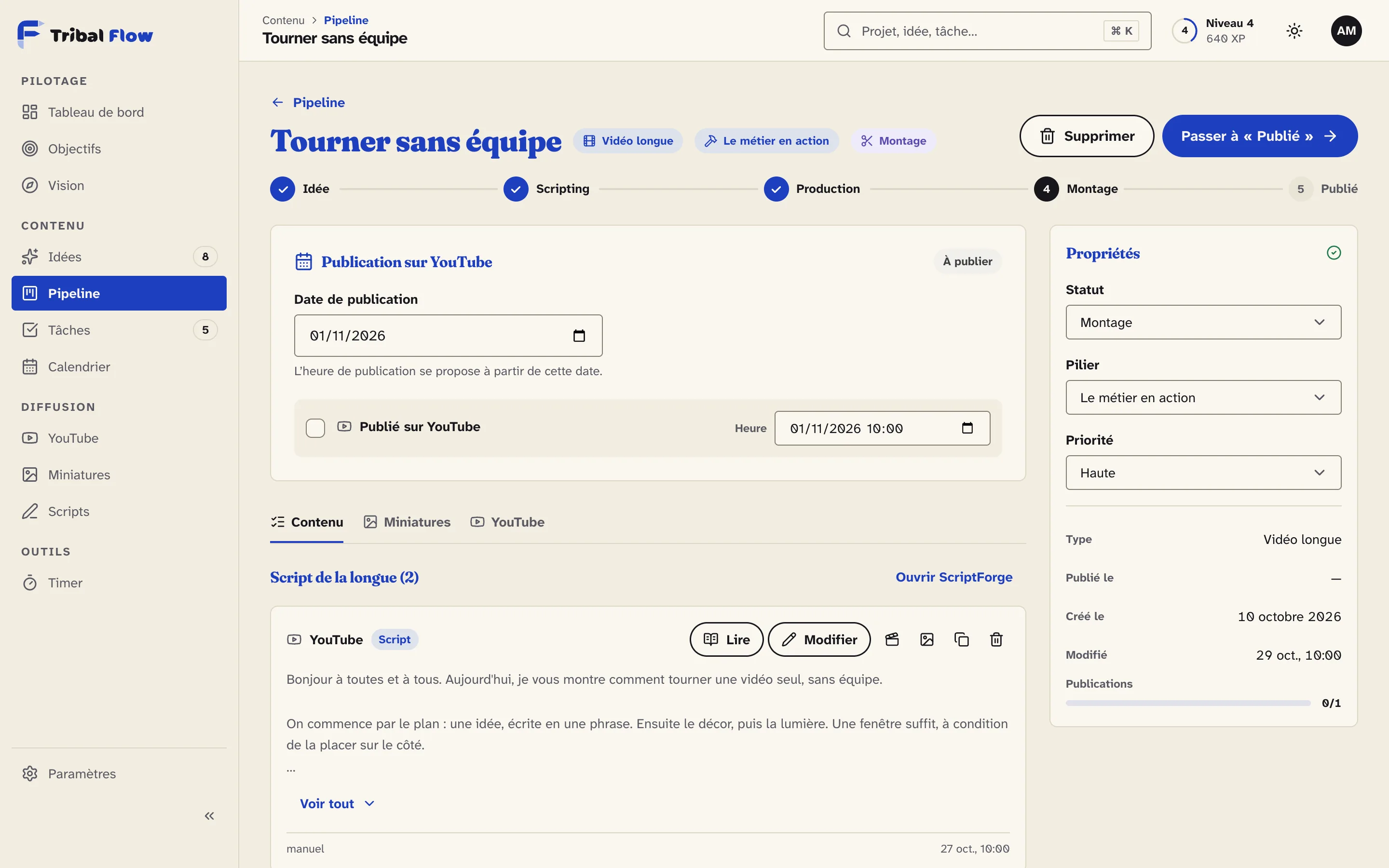
The title and the script come from the video’s page in Tribal Flow. After the take, highlights become clips to publish, in one click.
CapturePlus
Camera, screen and long video.
Camera, screen, voice and computer sound, separate and in sync.
Wireless or over USB, in 4K when possible.
At the speed you choose, invisible in the video.
Retakes, highlights and chapters placed during the take.
The files and markers, ready to open in the edit.
Recording is written in pieces: a crash only costs the last few seconds.
Checked before starting, with a clean stop if the disk is about to fill up.
Other projects
Skincare, sold in pharmacies
Logo, identity, applications, animated signature and website
See the projectDigital marketing agency, specialised in sport
Logo, identity, four videos and website
See the projectIvorian NGO · young girls and women
Identity, website and admin area
See the projectYour brand next
Tell us about your business. We reply with the next step.